文档

MiroHost 托管的配置

If you are using the MiroHost hosting, 请按照以下步骤操作,Xilifox Image Optimizer 插件才能正常工作.

  • 步 1. #

    Log in to the Control panel of the MiroHost hosting.

  • 步 2. #

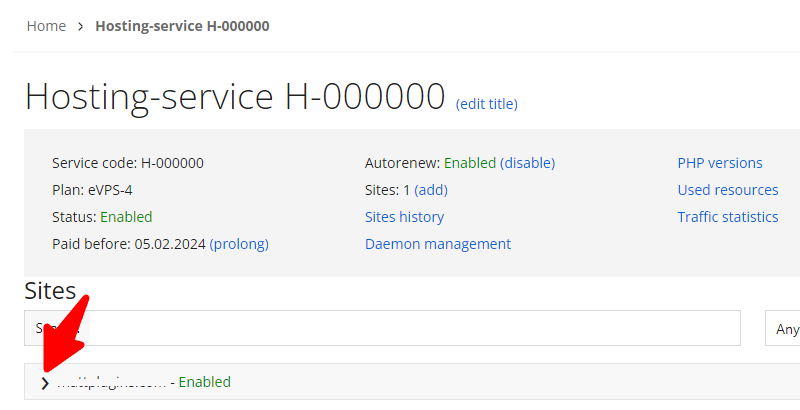
    Find your hosting service in the order list and expand the list of available options for your website:

  • 步 3. #

    Go to the “Nginx settings” option.

  • 步 4. #

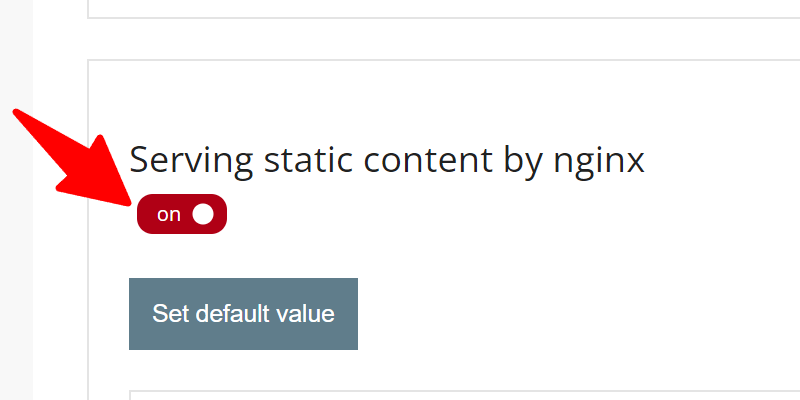
    Turn off the “Serving static content by nginx” feature.

    If you do not want to disable this feature for the entire website, skip this step and go to the next step, a more recommended solution.

  • 步 5. #

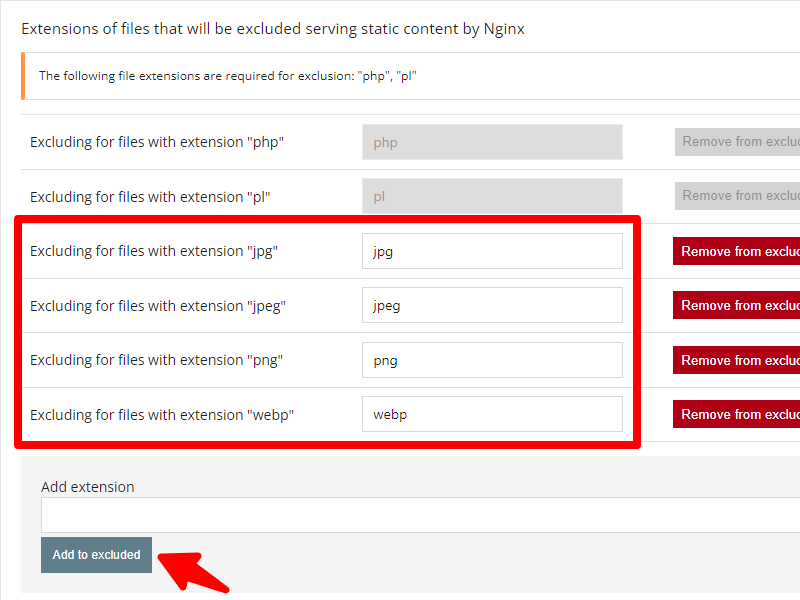
    In the “Extensions of files that will be excluded serving static content by Nginx” list, add the following extensions:

    • .jpg
    • JPEG
    • PNG
    • 网页

  • 步 6. #

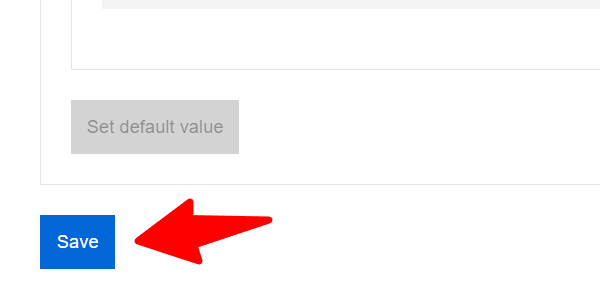
    单击“保存”按钮保存更改.

  • 步 7. #

    就这样! 插件设置页面上的错误应该消失.

不是您正在寻找的解决方案?

请检查其他 文章 或打开一个 工单.